
Self Assessment
Your tax year, box by box
If you are self-employed, Finances takes a year of bank payments and sorts them into the boxes of the short self-employment pages, SA103S. You check them, add what a bank statement cannot know, and copy the totals across.

Five steps
From statements to the numbers HMRC asks for
- 01Overview. Pick the tax year (6 April to 5 April) and see it quarter by quarter: what came in and what went out.
- 02Sort. Transfers and savings are set aside as personal. Then AI suggests a box for each remaining payment: turnover, travel, office costs, and so on, or personal.
- 03Review. Go through each box, move anything that is in the wrong place, and confirm the rest. Nothing counts as checked until you say so.
- 04Add what a statement cannot show. Capital allowances, working from home at HMRC's flat rates, business mileage, and anything you took from the business for yourself.
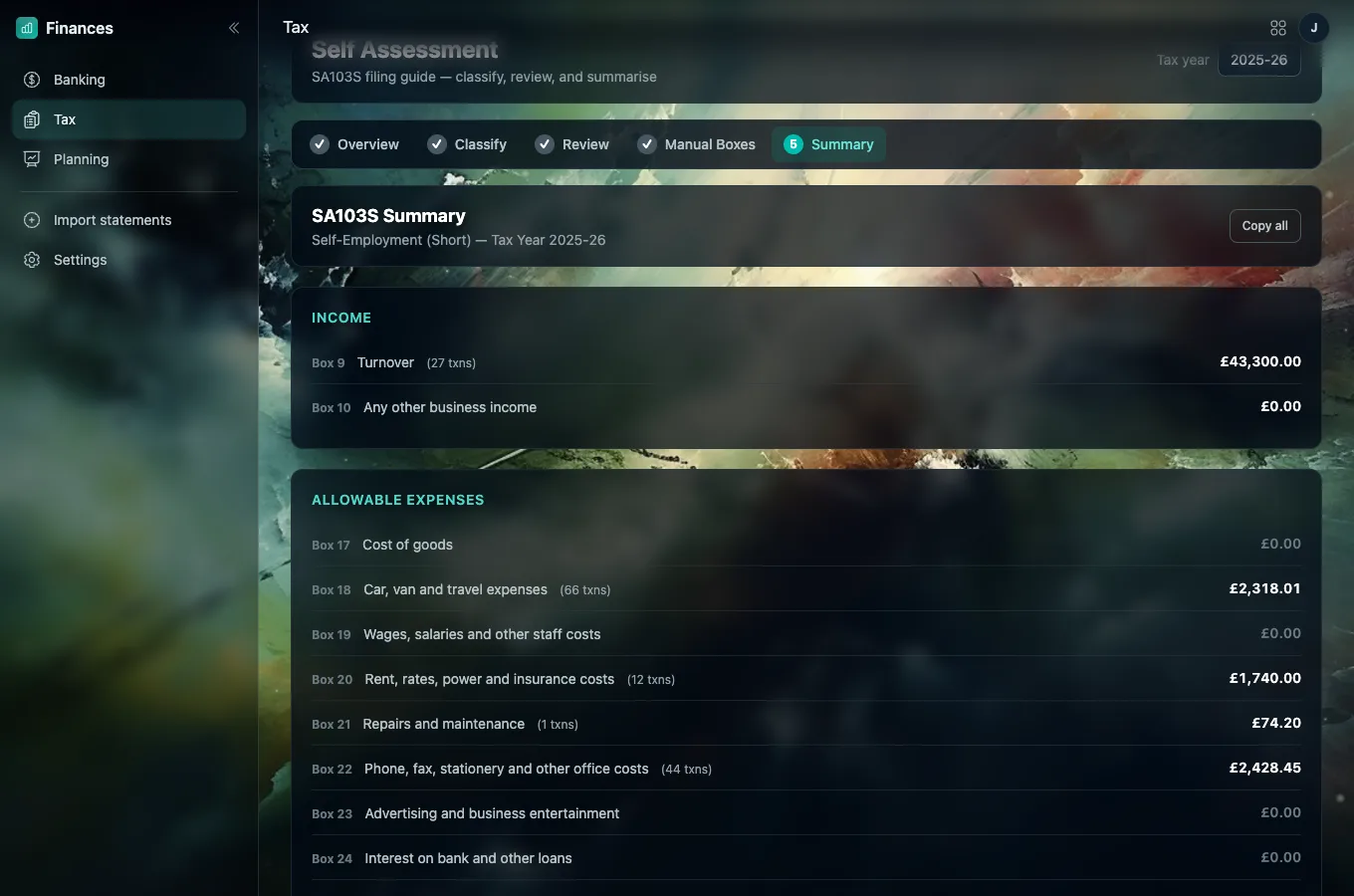
- 05Summary. Every box with its total, your allowable expenses and your net profit, ready to copy into HMRC's online service.
What it looks like
A designer's 2025-26, checked and summed
It helps you prepare. It does not file.
The figures come from your bank statements, so they can only be as complete as those are: cash, other accounts and anything paid personally will be missing. It covers the short self-employment pages only. Check the numbers, ideally with an accountant, before you enter them on HMRC's online service.
Ready?
Start with this tax year's statements
Bring them in, let Finances sort them, and check them box by box.
See how to start